Motion Guide
Motion tween was used along with the help of motion guide to make the ant move into spirals.
Motion Guide is nothing but moving your symbol in a predefined path such as curves or circles. Learn how to move Flash objects in circular, zig zag or curved paths using Flash motion guide
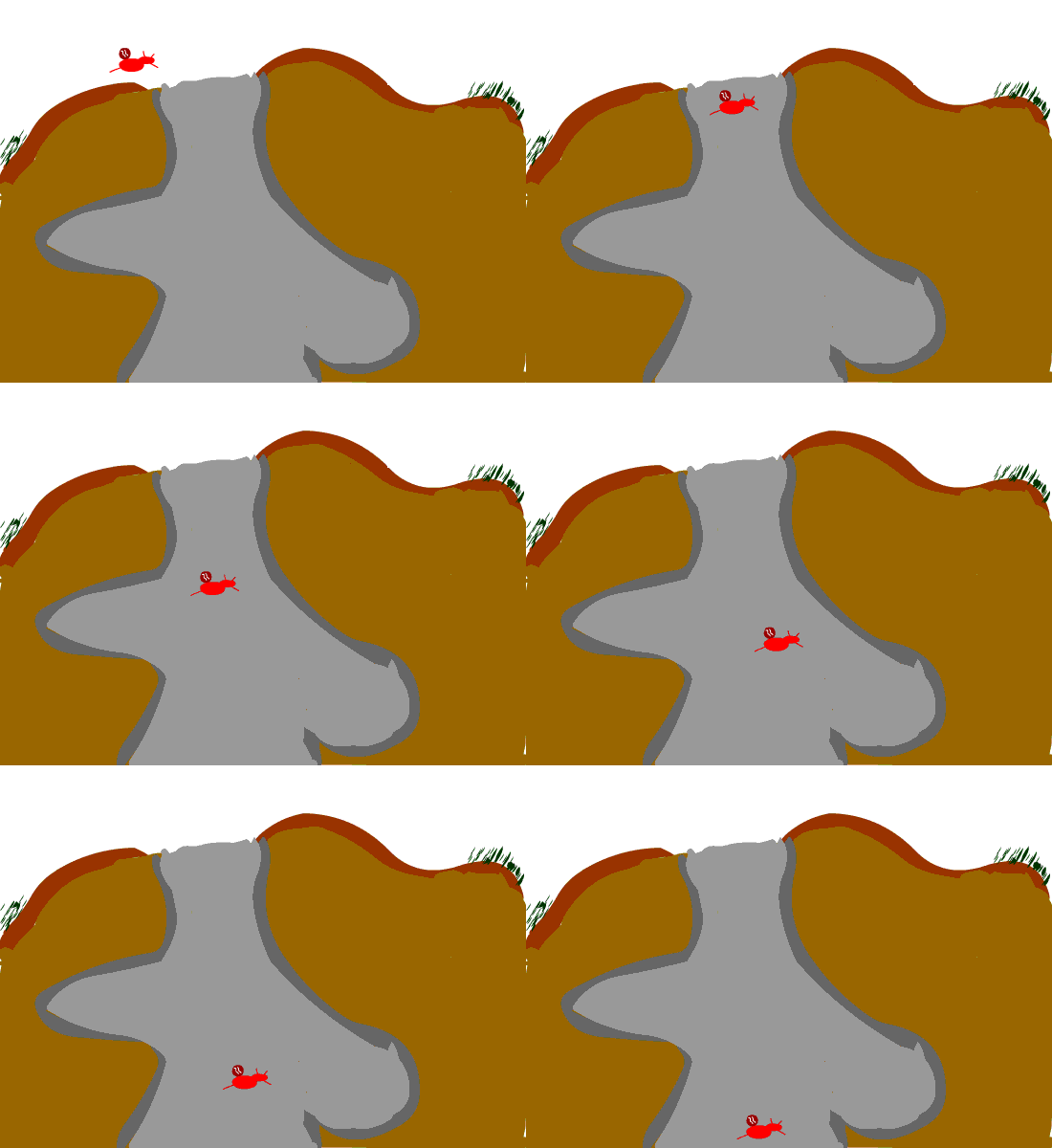
Tweening
Short for in-betweening, the process of generating intermediate frames between two images to give the appearance that the first image evolves smoothly into the second image. Tweening is a key process in all types of animation, including computer animation. Sophisticated animation software enables you to identify specific objects in an image and define how they should move and change during the tweening process.
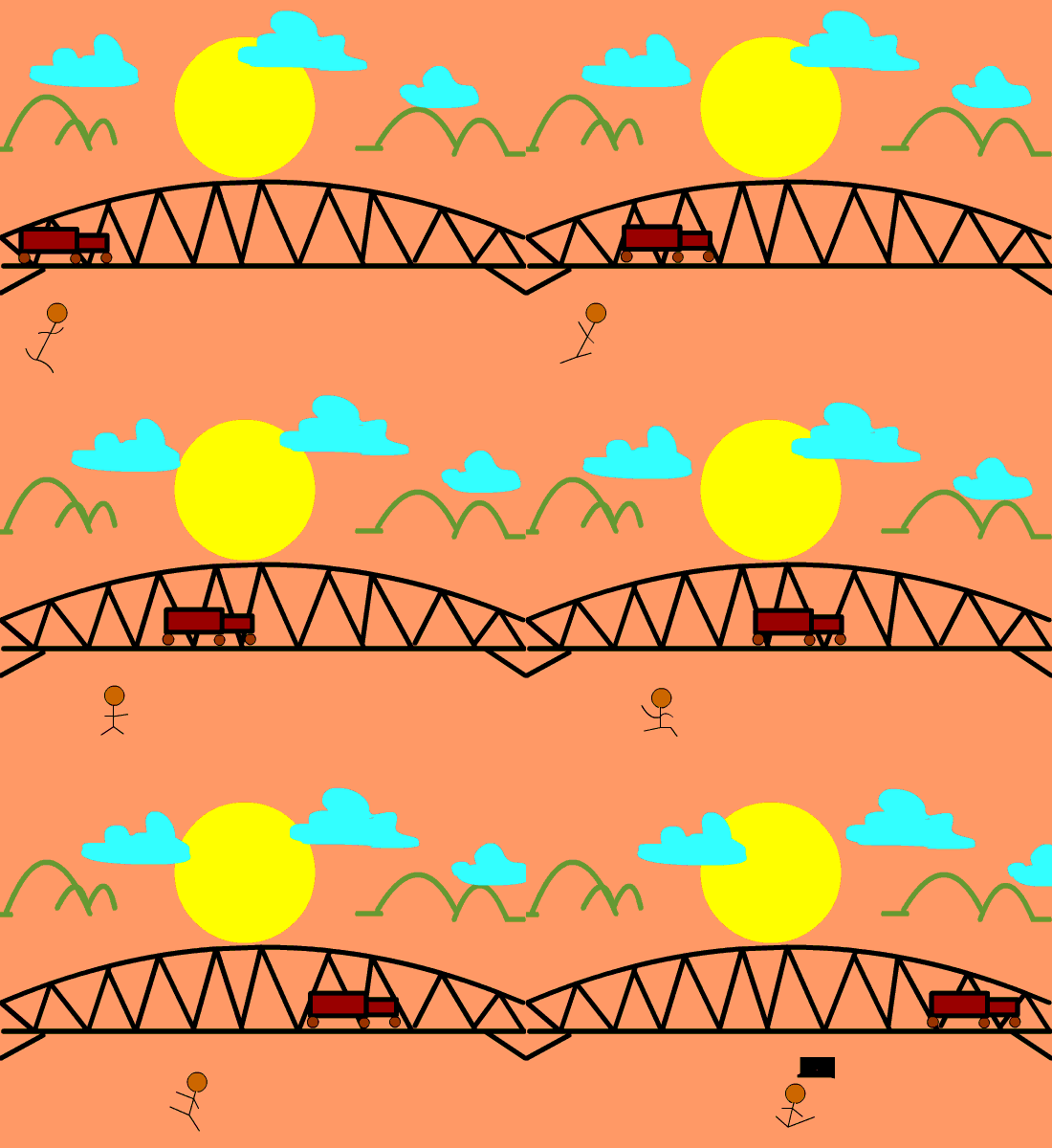
Character Development with background
This was used with the pencil tool, shape tool, and brush tool.
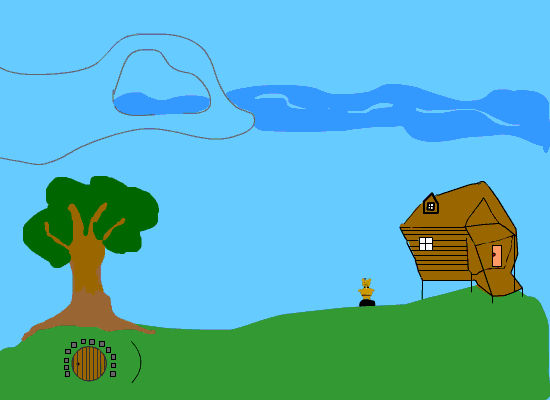
Masking
Masking is a way for you to control the content that your audience sees. For example, you can make a circular mask and allow your audience to only see through the circular area, so that you get a keyhole or spotlight effect. In Flash, you put a mask on one layer and the content that is masked in a layer below it.


 Carla's Blog